HSN Codes: A Practical Guide
What HSN codes are, how the digits are structured, how many digits you must report, and how to keep them right on invoices and e-way bills.
Last verified against official sources: 12 Oct 2026
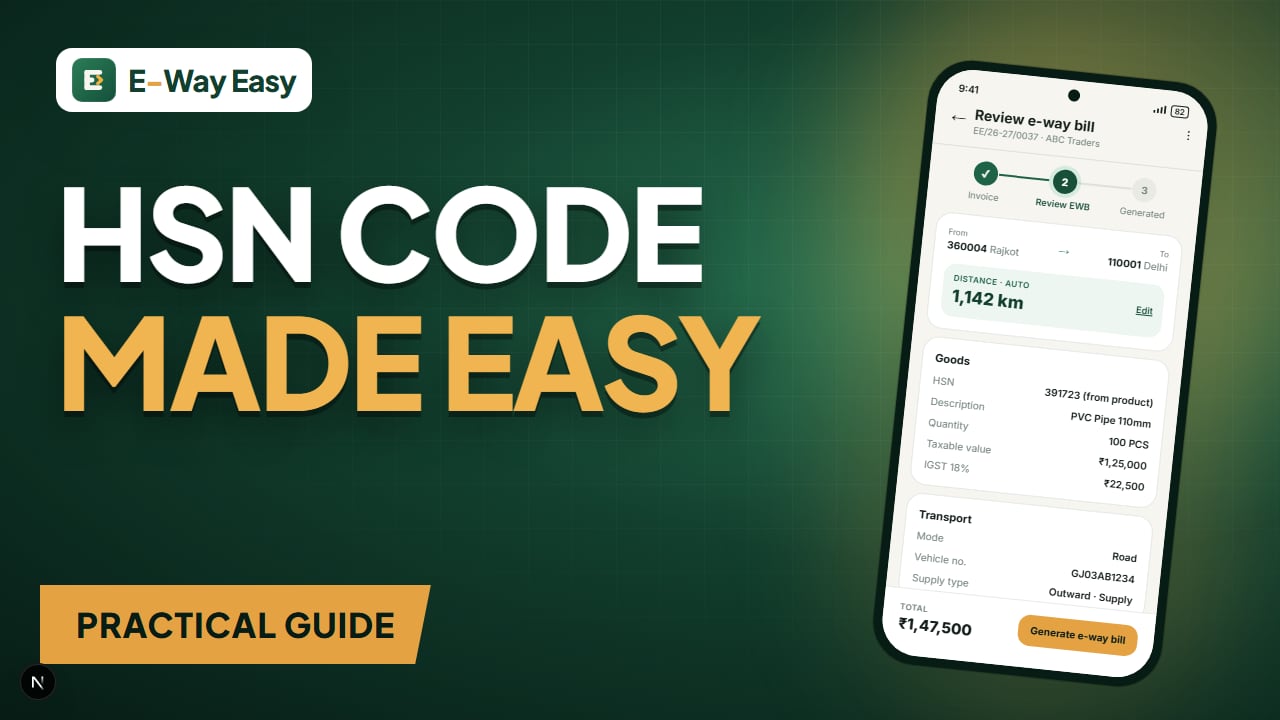
Table of contents
Quick answer: An HSN code classifies a product and appears on your tax invoice, GSTR-1 and Part A of the e-way bill. How many digits you must report depends on your turnover, so check the current notification. Confirm the GST rate separately, because the code and the rate are not the same thing.
Every product on a GST invoice needs a classification code — the HSN code. It appears on your tax invoice, in your GSTR-1 HSN summary, on e-invoices if you are covered, and in Part A of the e-way bill. Because it links your product to its tax rate, a wrong HSN is not just a typo: it can mean the wrong rate, a mismatch with your buyer's records, or questions during an inspection.
This guide is practical. It explains how HSN codes are built, how many digits to use, how to find the right code and how to keep it consistent across documents.
Important: This article does not list HSN-to-rate mappings. Rates are notified by the government and change from time to time. Always confirm both the code and the rate on official sources, and take professional advice for borderline classifications.
What HSN is
HSN stands for Harmonized System of Nomenclature, an international product classification maintained by the World Customs Organization. India uses it in the Customs Tariff and, through that, in GST. For services, GST uses the Services Accounting Code (SAC) instead.
How the digits are structured
The structure narrows from broad to specific:
| Digits | Level | What it tells you |
|---|---|---|
| First 2 | Chapter | Broad group of goods (e.g. a chapter for articles of iron or steel) |
| First 4 | Heading | A type of product within the chapter |
| First 6 | Sub-heading | A more specific product — internationally common up to this level |
| All 8 | Tariff item | India's national-level detail used in the Customs Tariff |
Example (illustrative structure, not a classification ruling):
73 | 07 | 19 | 00
 |    |    |    └── tariff item (8 digits, national)
 |    |    └─────── sub-heading (6 digits)
 |    └──────────── heading (4 digits)
 └───────────────── chapter (2 digits)
The point of the illustration is the structure. Do not copy a code from an article; find your product's code from the tariff and confirm it.
How many digits you need to report
GST requires HSN to be mentioned on tax invoices and in the HSN-wise summary of outward supplies in GSTR-1, and it is a field in e-invoices and e-way bills. The number of digits required is linked to your aggregate annual turnover:
- Taxpayers below the notified turnover cut-off generally report 4-digit HSN codes.
- Taxpayers above that cut-off generally report 6-digit HSN codes.
- Many businesses use 8 digits anyway, since that is the most precise level and avoids changes as they grow.
The turnover cut-off, any differences between B2B and B2C reporting, and the phase-wise validations introduced in GSTR-1 have been set by notifications and GSTN advisories. Verify the current requirement on the GST portal before relying on a digit count.
How to find the right code
- Describe the product accurately — what it is made of, what it does, its form (raw, semi-finished, finished).
- Start with the chapter that fits the material or function.
- Read the heading and sub-heading descriptions and the chapter notes. The notes often decide borderline cases.
- Check the tariff item at 8 digits.
- Check the GST rate notification for that heading/description — rates can depend on the description, not only the code.
- Record your reasoning in your product master, especially for products that could fit more than one heading.
- Ask your supplier what code they use for the same item on purchase invoices — useful as a cross-check, not as proof.
Our HSN code lookup tool helps you search by description as a starting point. Final confirmation should come from official sources.
Example (illustrative): building a product master
A Jamnagar brass parts maker sells three product types. Instead of typing HSN every time, the team builds a product master once:
| Product | HSN (from tariff, confirmed) | Unit | Rate | Verified on | Note |
|---|---|---|---|---|---|
| Brass hose fitting | [8-digit code] | NOS | [as notified] | 05-08-2026 | Checked chapter notes |
| Brass sanitary fitting | [8-digit code] | NOS | [as notified] | 05-08-2026 | Confirmed with consultant |
| Brass scrap | [8-digit code] | KGS | [as notified] | 05-08-2026 | Different rate from finished goods |
With this master, each invoice line picks up the code, unit and rate automatically. When a rate notification changes, only the master is updated. The "verified on" column makes it easy to know when the last check was done.
On a sample invoice of 1,200 hose fittings at ₹95 each, the taxable value is ₹1,14,000. With the HSN and rate coming from the master, the same code flows to the invoice, the e-way bill and the GSTR-1 HSN summary — so the three never disagree.
Where HSN appears
| Document | HSN role |
|---|---|
| Tax invoice | Mandatory per line, digits as per your turnover category |
| Bill of supply / delivery challan | Required as per the respective rules |
| GSTR-1 | HSN-wise summary of outward supplies |
| E-invoice | Mandatory field for each item |
| E-way bill Part A | HSN of goods being moved |
Common mistakes
- Copying a code from a website or a competitor's invoice without checking the tariff.
- Using fewer digits than required for your turnover category, or mixing 4-digit and 8-digit codes for the same product in different months.
- Assuming the code decides the rate on its own. Rate notifications often depend on description and conditions too.
- Forgetting to update the master after a rate change, so old rates keep flowing to invoices.
- Using SAC for goods or HSN for services.
- Different codes on the invoice and the e-way bill because they were typed separately.
- Classifying scrap, parts and finished goods the same way. They often fall under different headings.
Limitations
Classification can be genuinely difficult for composite products, kits, parts of machines and items that change form during manufacture. Where the stakes are high, consider professional advice, and look at the advance ruling mechanism under GST if you need certainty.
How E-Way Easy handles HSN
In the E-Way Easy app, HSN code fills from the saved product when you add it to an invoice, and you can edit it manually if needed. That keeps the same code on the invoice and the e-way bill — but the accuracy of the code in your product list is still your responsibility.
Official sources
HSN classification follows the Customs Tariff, and GST rates are notified by the government. HSN reporting requirements are set by notifications and GSTN advisories. Verify on cbic.gov.in, cbic-gst.gov.in, the GST portal and tutorial.gst.gov.in.
Frequently asked questions
Is the HSN code the same as the GST rate?
No. The HSN code classifies the product. The GST rate is notified separately with reference to HSN headings and descriptions. Two products under nearby codes can carry different rates.
How many HSN digits should I show?
It depends on your aggregate turnover and the document. Smaller taxpayers report fewer digits than larger ones. Check the current notification on the official portal for the exact cut-off.
What is SAC?
Services Accounting Code — the equivalent classification for services, used in place of HSN on services invoices.
Sources and references
- CBIC (Customs tariff and GST rate notifications)www.cbic.gov.in
- CBIC GSTcbic-gst.gov.in
- GST portalwww.gst.gov.in
- GST tutorialstutorial.gst.gov.in
This article is general information, not tax or legal advice. GST and e-way bill requirements depend on the transaction, applicable notifications and state-specific provisions. Check the official portals before you rely on it.
Written by
Bhavesh AkabariBhavesh Akabari writes the E-Way Easy guides on e-way bills, GST invoicing and day-to-day compliance workflows for Indian manufacturers, wholesalers and traders. Every compliance article is checked against official GST and e-way bill sources and carries a "last verified" date.
Related articles
How to Prepare Invoice Data for Bulk Processing
Set up a clean invoice spreadsheet, run simple validation checks and remove duplicates before you upload data for bulk e-way bills or returns.
By Bhavesh Akabari · · 6 min read
GSTIN Verification: What Businesses Should Check
A 15-character GSTIN tells you a lot — state, PAN, entity and a check digit. Here is how to read it and what to verify before you bill or buy.
By Bhavesh Akabari · · 6 min read
CGST vs. SGST vs. IGST Explained
Which GST applies to your sale — CGST plus SGST, or IGST? A plain-English guide to place of supply, UTGST, credit use and costly mix-ups.
By Bhavesh Akabari · · 6 min read