GSTIN Verification: What Businesses Should Check
A 15-character GSTIN tells you a lot — state, PAN, entity and a check digit. Here is how to read it and what to verify before you bill or buy.
Last verified against official sources: 14 Oct 2026
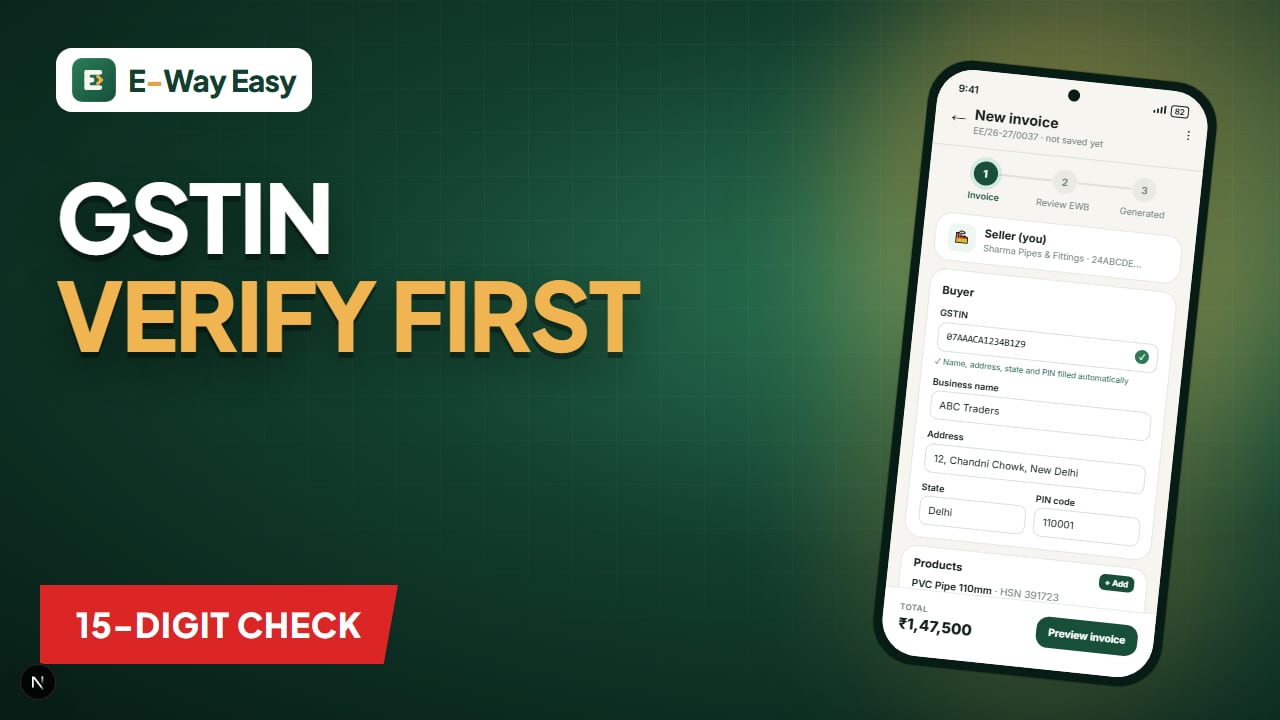
Table of contents
- How a GSTIN is structured
- State code (positions 1–2)
- PAN (positions 3–12)
- Entity number (position 13)
- "Z" (position 14)
- Check digit (position 15)
- What to check on the GST portal
- Example (illustrative): onboarding a new buyer
- When to re-verify
- Common mistakes
- Limitations
- Using GSTIN to speed up billing
- Official sources
Quick answer: Search the GSTIN on the GST portal's Search Taxpayer facility, which needs no login, and check that the status is active and the legal name matches the party. A valid-looking 15-character GSTIN does not prove the registration is active or belongs to that business.
A wrong GSTIN on an invoice causes problems in three places at once. Your buyer may not get input tax credit. Your e-way bill may be rejected or show the wrong party. And your GSTR-1 will carry a record that does not match the buyer's books. A few minutes of checking when you add a new buyer or supplier saves weeks of correction later.
This guide explains how a GSTIN is built, what each part tells you and what to check on the GST portal before you start doing business with someone.
How a GSTIN is structured
Every GSTIN has 15 characters. Using the sample 24ABCDE1234F1Z5:
| Position | Characters | Sample | Meaning |
|---|---|---|---|
| 1–2 | 2 digits | 24 | State code of registration (24 = Gujarat) |
| 3–12 | 10 characters | ABCDE1234F | PAN of the business |
| 13 | 1 character | 1 | Entity number for that PAN in that state |
| 14 | 1 character | Z | "Z" by default |
| 15 | 1 character | 5 | Check digit (checksum) |
State code (positions 1–2)
The first two digits identify the state or UT where this registration is held. A few common examples:
| Code | State/UT |
|---|---|
| 07 | Delhi |
| 24 | Gujarat |
| 27 | Maharashtra |
| 29 | Karnataka |
| 33 | Tamil Nadu |
The full list is available on the GST portal. A business registered in several states has a separate GSTIN in each, with a different state code.
PAN (positions 3–12)
The next ten characters are the PAN of the legal entity. This means all GSTINs of one company across India share the same PAN block. If a supplier tells you its PAN and the PAN inside its GSTIN is different, stop and ask why.
Entity number (position 13)
A business can hold more than one registration under the same PAN in the same state — for example, separate business verticals. The 13th character distinguishes them: 1 for the first, 2 for the second, and so on (letters are used after 9).
"Z" (position 14)
For normal registrations, the 14th character is "Z" by default.
Check digit (position 15)
The last character is calculated from the first 14 using a checksum. It catches most typing errors: if one character is mistyped, the check digit usually will not match, and the portal rejects the GSTIN as invalid. But a correct check digit only means the format is valid — not that the registration is active.
What to check on the GST portal
The GST portal offers a Search Taxpayer facility (search by GSTIN/UIN, and also by PAN). It can be used without login. For any new buyer or supplier, check:
- Status — Active, Cancelled, Suspended. Only an active registration should be treated as registered for current transactions.
- Legal name and trade name — must match the name on the purchase order or your quotation. A mismatch can mean a typo, or the GSTIN belongs to someone else.
- Date of registration and, if relevant, date of cancellation.
- Constitution of business — proprietorship, partnership, company, etc.
- Taxpayer type — regular or composition. A composition taxpayer cannot charge GST on its invoices or pass on credit; if such a supplier's invoice shows GST, question it.
- Principal place of business address — compare with the address you have; it also tells you the state for place-of-supply purposes.
- Return filing status — where shown, a quick look at whether returns are being filed regularly. A supplier who does not file can affect your credit.
Note: The e-way bill portal also allows you to check a GSTIN's details. If the portal rejects a recipient GSTIN during e-way bill generation, go back to Search Taxpayer first.
Example (illustrative): onboarding a new buyer
A Nagpur paper products company receives a first order from "Shree Packaging, Hyderabad" for ₹2,85,000. The buyer gives GSTIN 36ABCDE1234F1Z9 (sample).
| Check | Result | Action |
|---|---|---|
| Length 15 characters | Yes | — |
| State code 36 | Telangana — matches Hyderabad | Inter-state sale from Maharashtra → IGST |
| PAN block | Matches the PAN on the buyer's purchase order | — |
| Search Taxpayer status | Active | — |
| Legal name | "Shree Packaging Industries" | Matches, with full name used on invoice |
| Taxpayer type | Regular | Can claim credit |
| Address | Industrial area, Hyderabad | Used for invoice and e-way bill |
Now imagine the status had shown Cancelled with a date two months back. The company should not simply bill it as a registered buyer. It would need to treat the sale as one to an unregistered person — which changes the invoice, the GSTR-1 reporting and potentially the tax type — and should talk to the buyer before dispatch.
When to re-verify
- At onboarding of every new buyer or supplier.
- Periodically for regular parties — a quarterly check of top customers and suppliers is a practical habit.
- When a party changes its name, address or bank details.
- When the e-way bill portal rejects a GSTIN that worked earlier.
- Before claiming large input tax credit from a new supplier.
Common mistakes
- Copying a GSTIN from an old invoice of a party that has since changed or cancelled registration.
- Using the head office GSTIN for a branch in another state. Each state registration has its own GSTIN; use the one for the state from which the party is buying or supplying.
- Mixing up 0/O, 1/I, 5/S and 8/B while typing.
- Ignoring a legal name mismatch because "the number was accepted".
- Not checking taxpayer type — paying GST to a composition supplier whose invoice should not carry GST.
- Treating a valid format as proof of a genuine business. Fake or borrowed GSTINs are a real risk; the portal record and supporting documents matter.
Limitations
The Search Taxpayer facility shows public registration data. It does not confirm that a particular transaction is genuine, that the party has paid its tax, or that goods were supplied. For higher-value relationships, combine portal checks with your normal vendor due diligence.
Using GSTIN to speed up billing
Once a buyer's GSTIN is verified, it can drive several fields automatically. In the E-Way Easy app, entering a buyer's GSTIN fills their name, address, state and PIN, and verified buyers are kept in a saved Buyers list. That reduces manual entry, but it does not replace the periodic status check described above.
Official sources
Registration details are maintained on the GST portal; the Search Taxpayer facility and the state code list are available at gst.gov.in. Guidance on registration is on tutorial.gst.gov.in, and e-way bill GSTIN checks on ewaybillgst.gov.in. Always verify the latest details directly on these portals.
Frequently asked questions
Can I verify a GSTIN without logging in?
Yes. The GST portal's Search Taxpayer facility is available without login and shows basic registration details for a GSTIN.
What does a 'cancelled' or 'suspended' status mean for me?
It means the registration is not active. Charging tax to, or claiming credit from, such a party needs care. Check the date of cancellation and take advice.
Does a valid-looking GSTIN prove the business is genuine?
No. The format can be correct while the registration is cancelled or belongs to a different business. Always check the portal record and the legal name.
Sources and references
- GST portal (Search Taxpayer)www.gst.gov.in
- GST tutorialstutorial.gst.gov.in
- E-Way Bill System (official portal)ewaybillgst.gov.in
This article is general information, not tax or legal advice. GST and e-way bill requirements depend on the transaction, applicable notifications and state-specific provisions. Check the official portals before you rely on it.
Written by
Bhavesh AkabariBhavesh Akabari writes the E-Way Easy guides on e-way bills, GST invoicing and day-to-day compliance workflows for Indian manufacturers, wholesalers and traders. Every compliance article is checked against official GST and e-way bill sources and carries a "last verified" date.
Related articles
CGST vs. SGST vs. IGST Explained
Which GST applies to your sale — CGST plus SGST, or IGST? A plain-English guide to place of supply, UTGST, credit use and costly mix-ups.
By Bhavesh Akabari · · 6 min read
How to Avoid Errors in Invoice and Transport Details
The invoice and transport errors that most often cause e-way bill cancellations and roadside trouble, and a pre-dispatch checklist to catch them.
By Bhavesh Akabari · · 6 min read
HSN Codes: A Practical Guide
What HSN codes are, how the digits are structured, how many digits you must report, and how to keep them right on invoices and e-way bills.
By Bhavesh Akabari · · 5 min read