How to Avoid Errors in Invoice and Transport Details
The invoice and transport errors that most often cause e-way bill cancellations and roadside trouble, and a pre-dispatch checklist to catch them.
Last verified against official sources: 10 Oct 2026
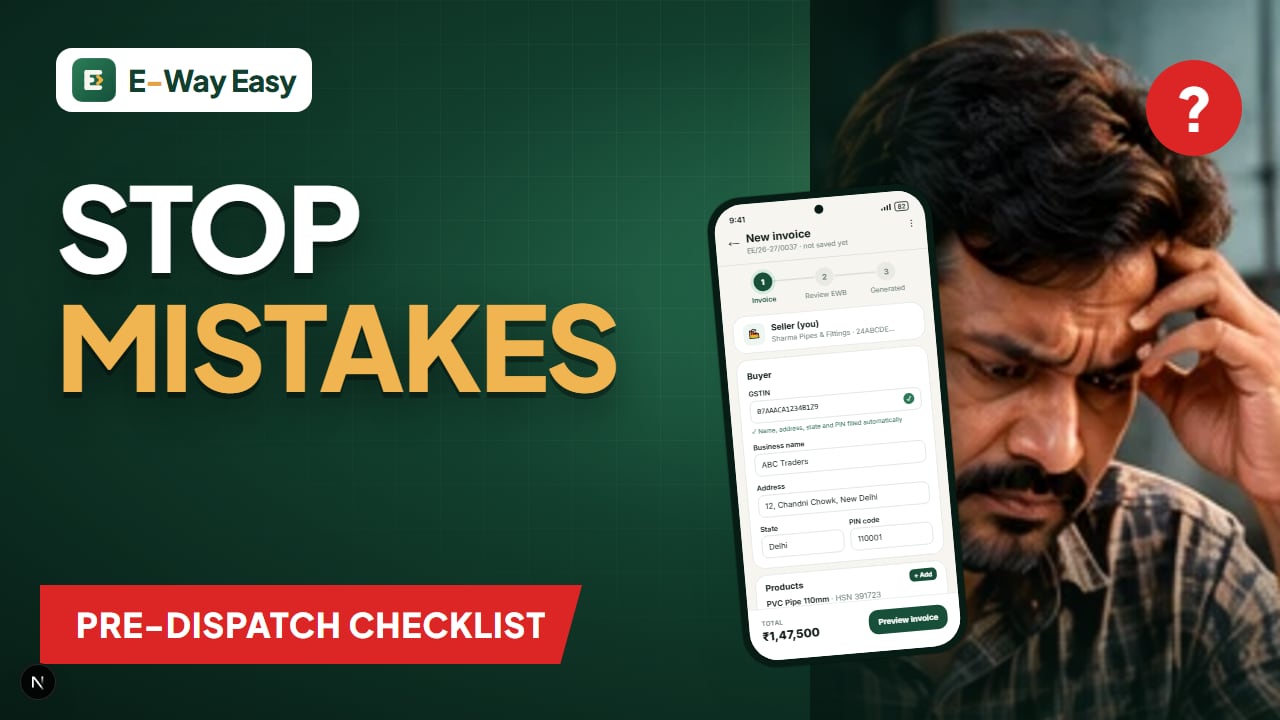
Table of contents
- Fixable vs not fixable
- The errors we see most often
- 1. GSTIN errors
- 2. Wrong delivery PIN
- 3. Wrong tax heads
- 4. HSN code or rate mismatch
- 5. Value mismatches
- 6. Vehicle number typos
- 7. Wrong distance
- 8. Old document date
- Pre-dispatch checklist
- Example (illustrative)
- Common mistakes in fixing errors
- Tools that help
- Official sources
Quick answer: Check the GSTIN, PIN codes, document number and date, value, HSN and vehicle number before generating, because Part A cannot be edited. Vehicle and transporter details can be updated later, but Part A errors need cancelling within 24 hours and generating again.
Most e-way bill problems start before the e-way bill is generated. A GSTIN typed with one wrong character, a PIN code copied from the billing address instead of the delivery address, a vehicle number with a missing digit — each of these passes straight from the invoice into the e-way bill. Some can be fixed in seconds. Others cannot be fixed at all; the e-way bill has to be cancelled and generated again, and if 24 hours have passed, even that is not possible.
Knowing which errors are fixable and which are not is the first step to avoiding them.
Fixable vs not fixable
| Detail | Where it sits | Can it be changed after generation? |
|---|---|---|
| Vehicle number, transport mode | Part B | Yes — update Part B any number of times within validity |
| Transporter | Assignment | Yes — the transporter can be updated |
| Recipient GSTIN, delivery PIN | Part A | No — cancel within 24 hours and regenerate |
| Document number or date | Part A | No — cancel and regenerate |
| Value, HSN, quantity | Part A | No — cancel and regenerate |
| Reason for transport | Part A | No — cancel and regenerate |
An e-way bill cannot be cancelled if it has been verified in transit. So the safest time to catch a Part A error is before you click generate.
The errors we see most often
1. GSTIN errors
What happens: a character is mistyped, or an old GSTIN from a buyer who has re-registered is used. The portal may reject an invalid GSTIN, but a valid-but-wrong one (another business, or a cancelled registration) is harder to catch.
Prevention: verify each new buyer's GSTIN once on the GST portal, save it, and select from the saved list afterwards. See GSTIN verification: what to check.
2. Wrong delivery PIN
What happens: the billing address PIN is used when goods are delivered to a different site. Distance, validity and route become wrong.
Prevention: keep billing and shipping addresses as separate fields. Ask "where will the truck unload?" not "where is the buyer's office?".
3. Wrong tax heads
What happens: IGST on an intra-state sale, or CGST + SGST on an inter-state sale. This is an invoice error first, and it flows into the e-way bill.
Prevention: compare the state codes of your GSTIN and the place of supply. See CGST, SGST and IGST explained and how to calculate GST on a sales invoice.
4. HSN code or rate mismatch
What happens: a product's HSN is entered freehand and differs between invoices; the rate does not match the HSN.
Prevention: store the HSN and rate in your product list. See the HSN codes practical guide.
5. Value mismatches
What happens: freight or packing is added to the total but not to the taxable value, or rounding differs between the invoice and the e-way bill.
Prevention: decide how you treat freight and other charges, and apply it the same way every time. The e-way bill value should match the document.
6. Vehicle number typos
What happens: GJ03AB1234 becomes GJ03AB1243. At a checkpoint, the goods are on a vehicle that is not the one in Part B.
Prevention: have the driver read the number from the plate, or photograph the plate, before Part B is filled. If you catch it later, update Part B before the goods move.
7. Wrong distance
What happens: a much shorter distance is entered, giving too little validity; or a much longer one, which the portal will not accept beyond its limits. You can enter the actual distance up to 10% more than the portal's PIN-to-PIN figure, with a maximum of 4,000 km.
Prevention: let the portal (or an app) calculate PIN-to-PIN distance and adjust only for genuine route differences. See how distance affects e-way bill validity.
8. Old document date
What happens: an e-way bill is attempted for an invoice raised long ago. As reported by GSTN, from 1 January 2025 the portal does not allow e-way bills for documents dated more than 180 days before generation.
Prevention: generate the e-way bill close to the invoice and dispatch date.
Pre-dispatch checklist
Print this and keep it at the dispatch desk. Two minutes per consignment is enough.
Invoice
- Invoice number is the next in the series and not used before
- Invoice date is today's (or the correct dispatch) date
- Buyer name and GSTIN selected from verified saved list (or URP for unregistered)
- Billing address and shipping address both correct
- Place of supply state matches the delivery state
- HSN code and GST rate correct for every line
- Quantities match the packing list / weighbridge slip
- CGST + SGST for intra-state, IGST for inter-state
- Taxable value + tax = invoice total
E-way bill Part A
- Document type and number match the invoice exactly
- Delivery PIN is the unloading point
- Reason for transport is correct (supply, job work, return, etc.)
- Value matches the invoice
- Distance is realistic for the route
Transport / Part B
- Vehicle number read from the actual plate
- Transport mode correct (road, rail, air, ship)
- Transporter ID or transport document number, if applicable
- Validity is enough for the expected journey
Handover
- Driver has the invoice (or challan) and e-way bill number or printout
- E-way bill number recorded against the invoice in your register
Example (illustrative)
A Jaipur handicraft exporter's domestic sales team dispatches a ₹96,000 consignment to a Delhi retailer. During the checklist, the supervisor notices the delivery PIN is the retailer's head office, but the truck is unloading at its warehouse in a different part of NCR. The PIN is corrected before generating the e-way bill. After generation, the transporter swaps the truck. Since the vehicle number is in Part B, the transporter simply updates it — no cancellation needed.
Had the PIN been caught only after generation, the firm would have had to cancel within 24 hours and generate a fresh e-way bill.
Common mistakes in fixing errors
- Cancelling when an update would do. Vehicle changes need a Part B update, not a cancellation.
- Generating a second e-way bill without cancelling the first. This leaves two live e-way bills for one consignment.
- Waiting past 24 hours. The cancellation window closes.
- Fixing the e-way bill but not the invoice. If the error was in the invoice, the invoice record must be corrected too.
Tools that help
The free GST tax invoice template, GST calculator and distance calculator help with the checks above. In the E-Way Easy app, the buyer's address, state and PIN fill from the GSTIN, HSN comes from the saved product, and distance is calculated from PIN codes, with a Review EWB step before generation.
Official sources
For the current rules on cancellation, Part B updates and distance, see the E-Way Bill System, the E-Way Bill 2.0 portal, the GST portal and CBIC GST.
Frequently asked questions
I entered the wrong vehicle number. Do I need to cancel the e-way bill?
No. Vehicle details are in Part B, which can be updated any number of times during validity. Update it before the goods move.
I entered the wrong buyer GSTIN. Can I edit the e-way bill?
No. Part A cannot be edited. Cancel the e-way bill within 24 hours of generation (if not verified in transit) and generate a new one with the correct details.
What if I notice an invoice error after the 24-hour cancellation window?
The e-way bill can no longer be cancelled on the portal. Correct the invoice position through the proper GST mechanism (such as a credit or debit note where applicable) and take advice on the movement already made.
Sources and references
- E-Way Bill System (official portal)ewaybillgst.gov.in
- E-Way Bill 2.0 portalewaybill2.gst.gov.in
- GST portalwww.gst.gov.in
- CBIC GSTcbic-gst.gov.in
This article is general information, not tax or legal advice. GST and e-way bill requirements depend on the transaction, applicable notifications and state-specific provisions. Check the official portals before you rely on it.
Written by
Bhavesh AkabariBhavesh Akabari writes the E-Way Easy guides on e-way bills, GST invoicing and day-to-day compliance workflows for Indian manufacturers, wholesalers and traders. Every compliance article is checked against official GST and e-way bill sources and carries a "last verified" date.
Related articles
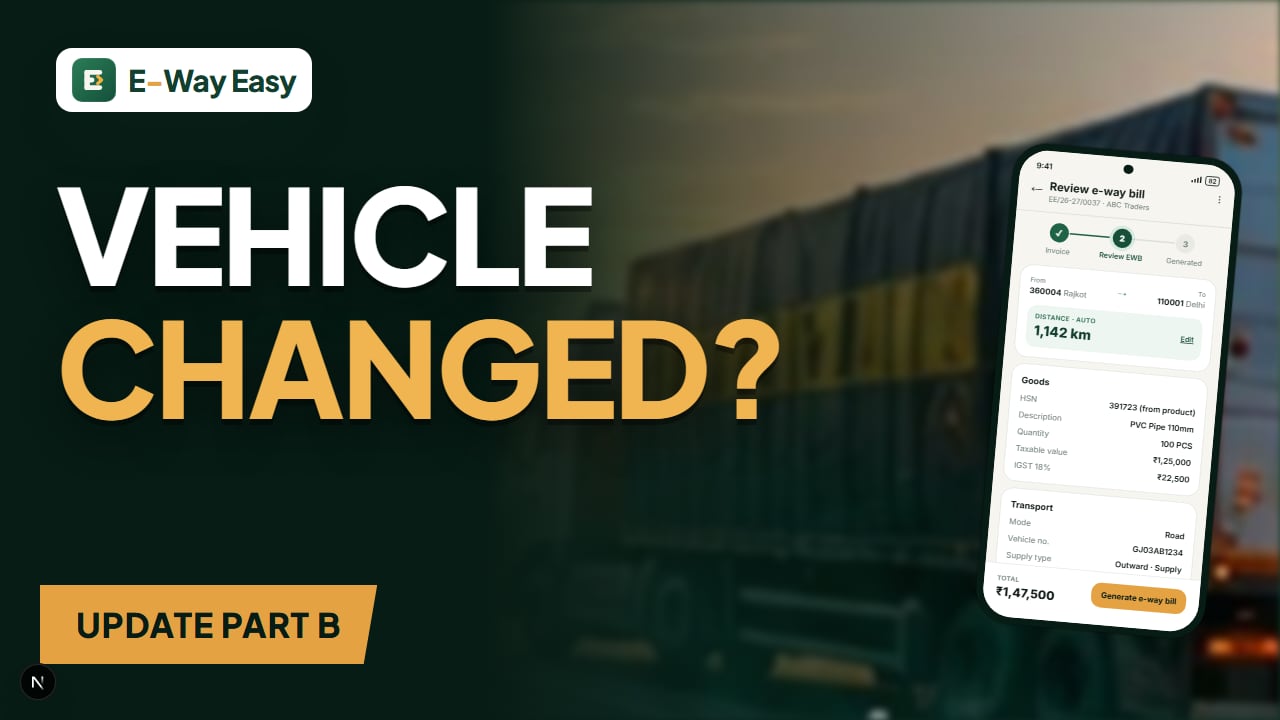
How to Update Vehicle Details in an E-Way Bill
Truck broke down or goods shifted to another vehicle? Here is how Part B of an e-way bill is updated, who can do it and what to check first.
By Bhavesh Akabari · · 6 min read
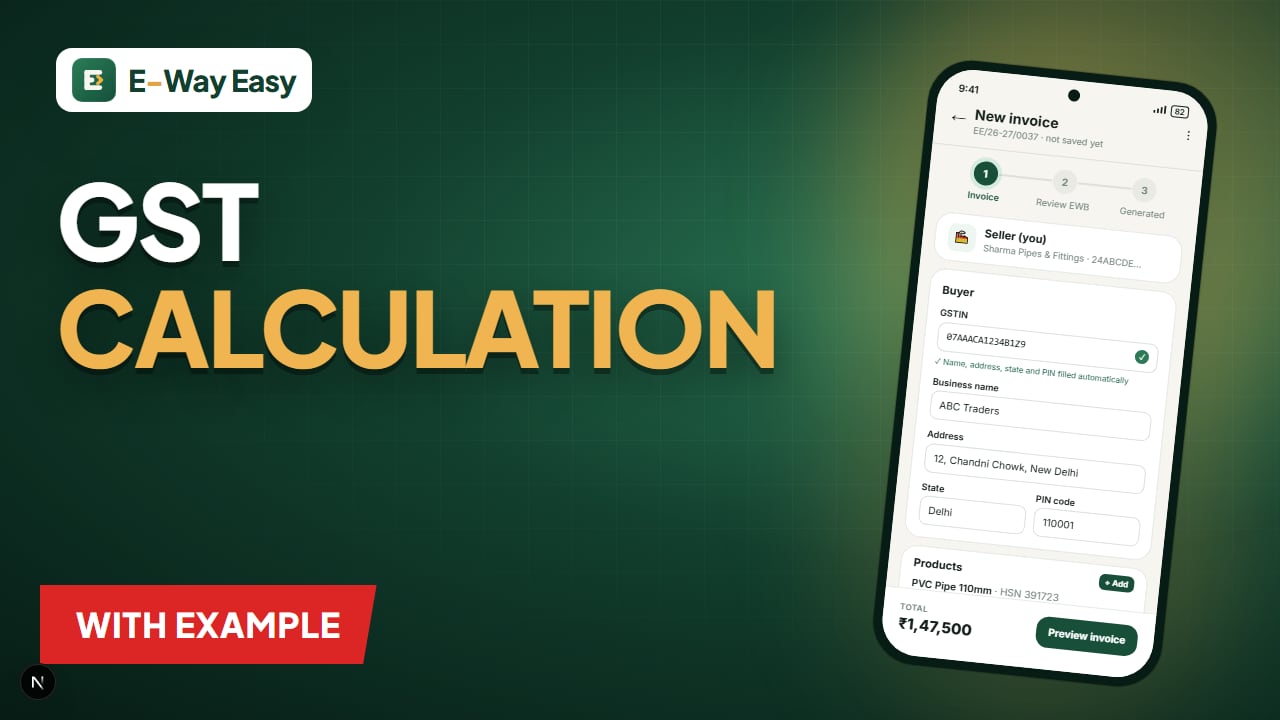
How to Calculate GST on a Sales Invoice
A worked, line-by-line method for calculating GST on a sales invoice — with discounts, mixed rates, CGST/SGST vs IGST and rounding.
By Bhavesh Akabari · · 6 min read
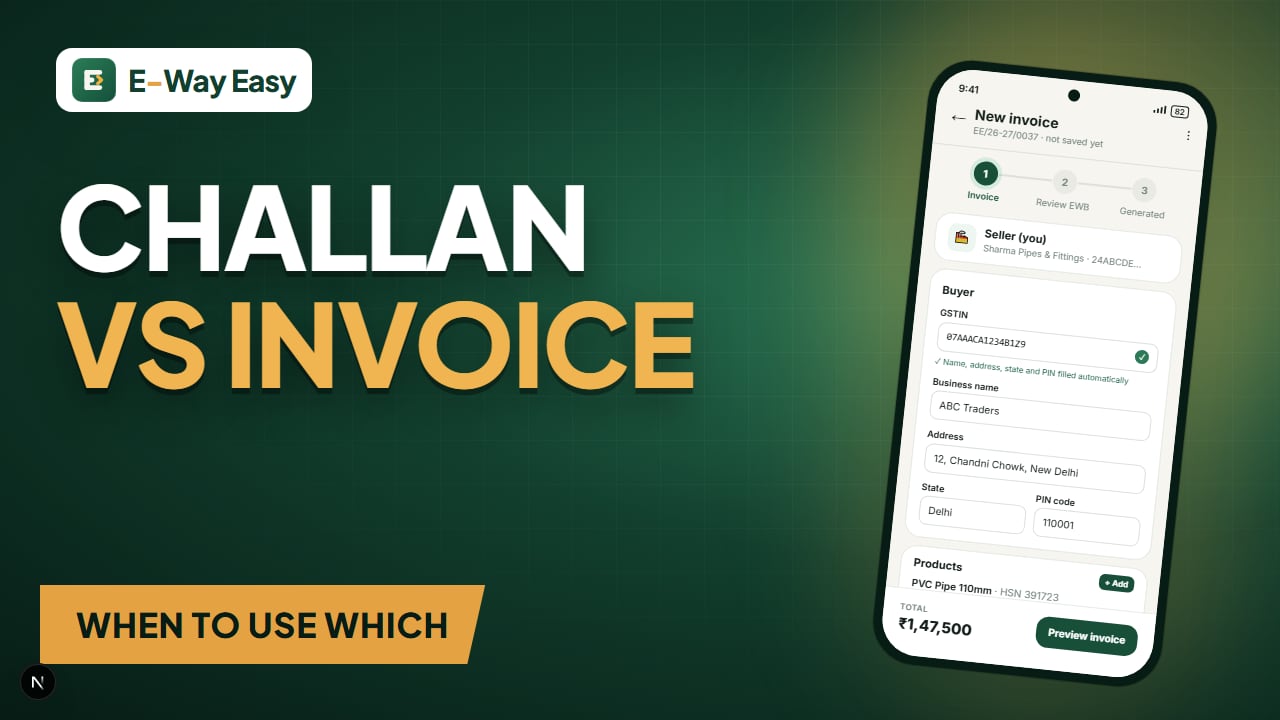
Delivery Challan vs. Tax Invoice
Not every movement of goods is a sale. Learn when to issue a delivery challan instead of a tax invoice, what each must contain and how e-way bills fit in.
By Bhavesh Akabari · · 6 min read