How to Update Vehicle Details in an E-Way Bill
Truck broke down or goods shifted to another vehicle? Here is how Part B of an e-way bill is updated, who can do it and what to check first.
Last verified against official sources: 10 Oct 2026
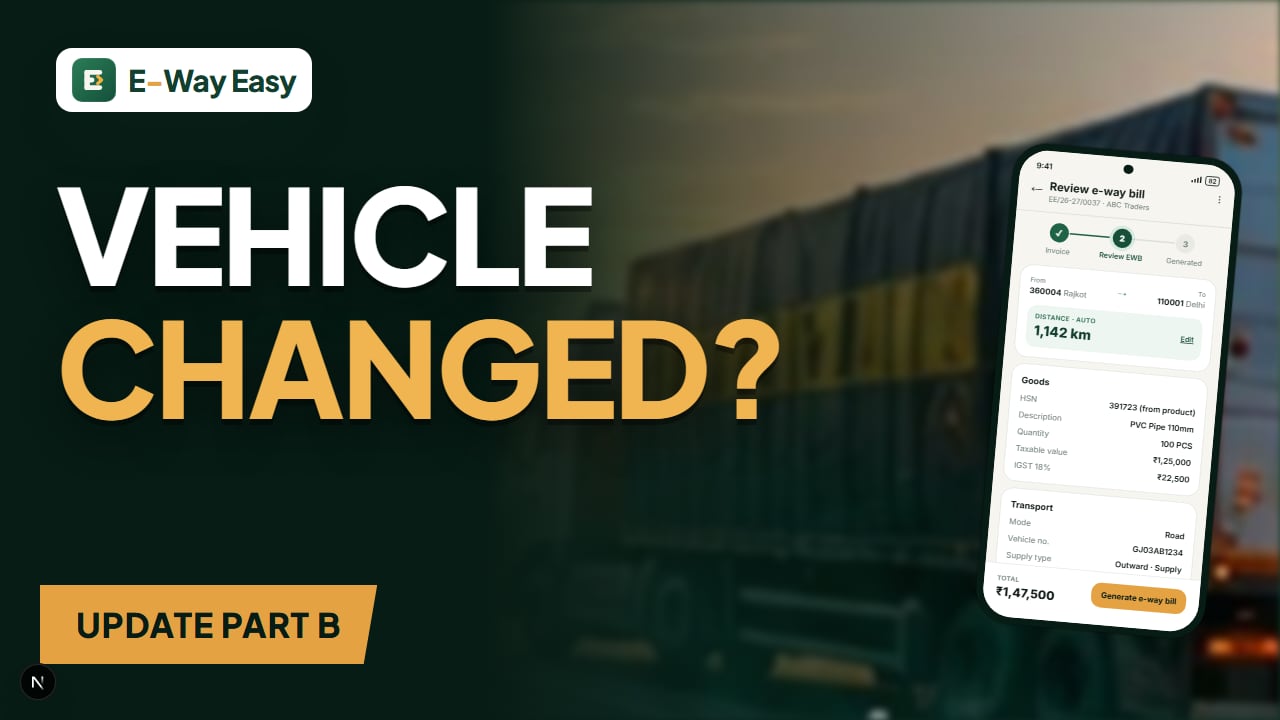
Table of contents
Quick answer: Update the vehicle number in Part B of the e-way bill before the new vehicle moves. Part B can be updated any number of times while the bill is valid. A normal update does not reset validity, and an expired bill cannot be updated.
An e-way bill is not a document you can freely edit. Once it is generated, the Part A details — GSTINs, invoice number, value, HSN — are locked. The one section that is designed to change during the journey is Part B, which holds the vehicle number or transport document details. If your truck breaks down on the highway, or goods are moved from a small tempo to a long-haul trailer at a hub, Part B is what you update.
This guide explains when a vehicle update is needed, who is allowed to do it, how the process works on the official portal, and the mistakes that typically get a vehicle stopped at a checkpoint.
Why the vehicle number matters
Under Rule 138 of the CGST Rules, 2017, an e-way bill is valid for movement only after Part B is filled (the limited exception is short intra-state movement of up to 50 km to or from a transporter's place, where Part A alone is enough for that leg). During an inspection, the officer compares the vehicle physically carrying the goods with the vehicle number shown in the e-way bill. If they do not match, the officer may treat the goods as moving without a valid e-way bill — and that is where detention and penalty under Section 129 of the CGST Act come into the picture.
In simple terms: the vehicle carrying the goods at any moment must be the vehicle shown in Part B at that moment.
When you need to update Part B
| Situation | Update needed? |
|---|---|
| Truck breaks down and goods are loaded onto another truck | Yes, before the new vehicle moves |
| Goods unloaded at a transporter's godown and reloaded onto a different vehicle (trans-shipment) | Yes |
| Part B was left blank at generation because the vehicle was not yet assigned | Yes, before movement starts |
| Transporter changes the driver but the vehicle stays the same | No |
| Goods move by rail, air or ship and a new transport document is issued | Update transport document details as applicable |
| Wrong vehicle number entered at generation | Yes — update Part B with the correct number |
Note: A wrong Part A detail (wrong GSTIN, invoice number or value) cannot be fixed through a Part B update. That needs cancellation within 24 hours and a fresh e-way bill. See our guide on e-way bill correction.
Who can update the vehicle details
The person who generated the e-way bill can update Part B. If the generator has assigned the e-way bill to a transporter (by entering the transporter's GSTIN or Transporter ID), the transporter can update it too. In multi-leg journeys, the e-way bill can be handed from one transporter to the next, and the transporter currently in charge updates Part B.
Unregistered transporters can enrol on the e-way bill portal to obtain a Transporter ID (TRANSIN) so that consignors can assign e-way bills to them.
Step-by-step: updating vehicle details on the portal
The exact screens change from time to time, so treat this as a general walkthrough and check the official user documentation for the current layout.
- Log in to the e-way bill portal (or the E-Way Bill 2.0 portal) with your user ID, password and the multi-factor authentication now required for taxpayers.
- Go to the e-way bill menu and choose the option to update Part B / vehicle number.
- Search the e-way bill by its number (or by generation date/document details where available).
- Select the mode of transport — road, rail, air or ship.
- Enter the new vehicle number (for road) or the transport document number and date (for rail/air/ship).
- Enter the place and state from where the goods are now starting — usually the place where the breakdown or trans-shipment happened.
- Choose the reason for the update from the dropdown (for example breakdown, trans-shipment or first-time entry) and add remarks if needed.
- Submit and download or note the updated e-way bill. The vehicle details history on the e-way bill will show every change.
The portal also provides an option for situations where one consignment has to be split across more than one vehicle. If you face that case, refer to the multi-vehicle section of the official user documentation rather than improvising.
Example (illustrative): a breakdown near Udaipur
A Rajkot pipe manufacturer sends PVC pipes worth ₹3,40,000 (including GST) to a dealer in Jaipur. The e-way bill is generated at 10:00 am on 12 June with vehicle GJ03AB1234 in Part B. Distance is 620 km, so validity is 4 days (1 day per 200 km or part thereof: 620 ÷ 200 = 3.1, rounded up to 4).
| Detail | Value |
|---|---|
| Generated | 12 June, 10:00 am |
| Distance | 620 km |
| Validity | 4 days — up to midnight of 16 June |
| Original vehicle | GJ03AB1234 |
On 13 June the truck's clutch fails near Udaipur. The transporter arranges another truck, RJ27CD5678. Before the goods leave Udaipur in the new truck, the transporter logs in, updates Part B with RJ27CD5678, enters Udaipur (Rajasthan) as the place of change, and selects "breakdown" as the reason.
What does not change: the e-way bill number, the invoice details and the validity. The goods still need to reach Jaipur by midnight of 16 June. If the breakdown causes a long delay, the transporter should watch the clock and use the extension facility if needed — see what to do when an e-way bill expires.
Common mistakes
- Moving first, updating later. The update should be done before the new vehicle starts moving with the goods. A checkpoint between the breakdown spot and the next update is exactly where problems happen.
- Typing errors in the vehicle number. Spaces, the letter O instead of zero, or a missing district code all cause a mismatch. Read the number off the registration plate, not from memory.
- Wrong "from" place. Entering the original dispatch city instead of the place where the vehicle changed makes the record inconsistent with the actual route.
- Trying to fix Part A through Part B. If the invoice value or recipient GSTIN is wrong, a vehicle update will not help.
- Assuming the update extends validity. It does not. Extension is a separate process with its own time window.
- Not passing the e-way bill to the next transporter. In a multi-transporter chain, if the e-way bill is not assigned onward, the new transporter cannot update Part B.
Limitations and exceptions to keep in mind
- Expired e-way bills cannot be updated. Once validity is over, you are in extension territory (within 8 hours before or after expiry, subject to the overall 360-day cap reported by GSTN from 1 January 2025).
- Consolidated e-way bills (EWB-02) carry their own vehicle details. If you move several consignments together in one vehicle under a consolidated e-way bill and the vehicle changes, update the consolidated e-way bill as per the portal's process.
- Short-distance movements within a State/UT up to 50 km to or from a transporter's place may not need Part B for that leg, but Part B must be filled before the onward journey.
How E-Way Easy fits in
In the E-Way Easy app, invoice and e-way bill details are prepared together in a three-step flow (Invoice → Review EWB → Generated), with distance calculated from PIN codes. Getting the vehicle number right at that review stage avoids most Part B corrections later. For changes during transit, always follow the update process on the official system. You can learn more on the features page.
Official sources
Part B rules sit in Rule 138 of the CGST Rules, 2017, and the step-by-step screens are documented on the official e-way bill portal and its user documentation site. Portal screens and options change from time to time, so verify the current process at ewaybillgst.gov.in and docs.ewaybillgst.gov.in before you rely on any guide, including this one.
Frequently asked questions
How many times can I update the vehicle number in an e-way bill?
Part B can be updated any number of times during the validity of the e-way bill, for example when the vehicle breaks down or goods are trans-shipped.
Can I update the vehicle after the e-way bill has expired?
No. Part B updates work only while the e-way bill is valid. If it has expired, you need to look at extension (within the allowed window) rather than a vehicle update.
Does updating the vehicle change the validity of the e-way bill?
A normal vehicle update does not reset validity. Validity is extended only through the separate extension process.
Sources and references
- E-Way Bill System (official portal)ewaybillgst.gov.in
- E-Way Bill user documentationdocs.ewaybillgst.gov.in
- CBIC GST (Acts and Rules)cbic-gst.gov.in
This article is general information, not tax or legal advice. GST and e-way bill requirements depend on the transaction, applicable notifications and state-specific provisions. Check the official portals before you rely on it.
Written by
Bhavesh AkabariBhavesh Akabari writes the E-Way Easy guides on e-way bills, GST invoicing and day-to-day compliance workflows for Indian manufacturers, wholesalers and traders. Every compliance article is checked against official GST and e-way bill sources and carries a "last verified" date.
Related articles
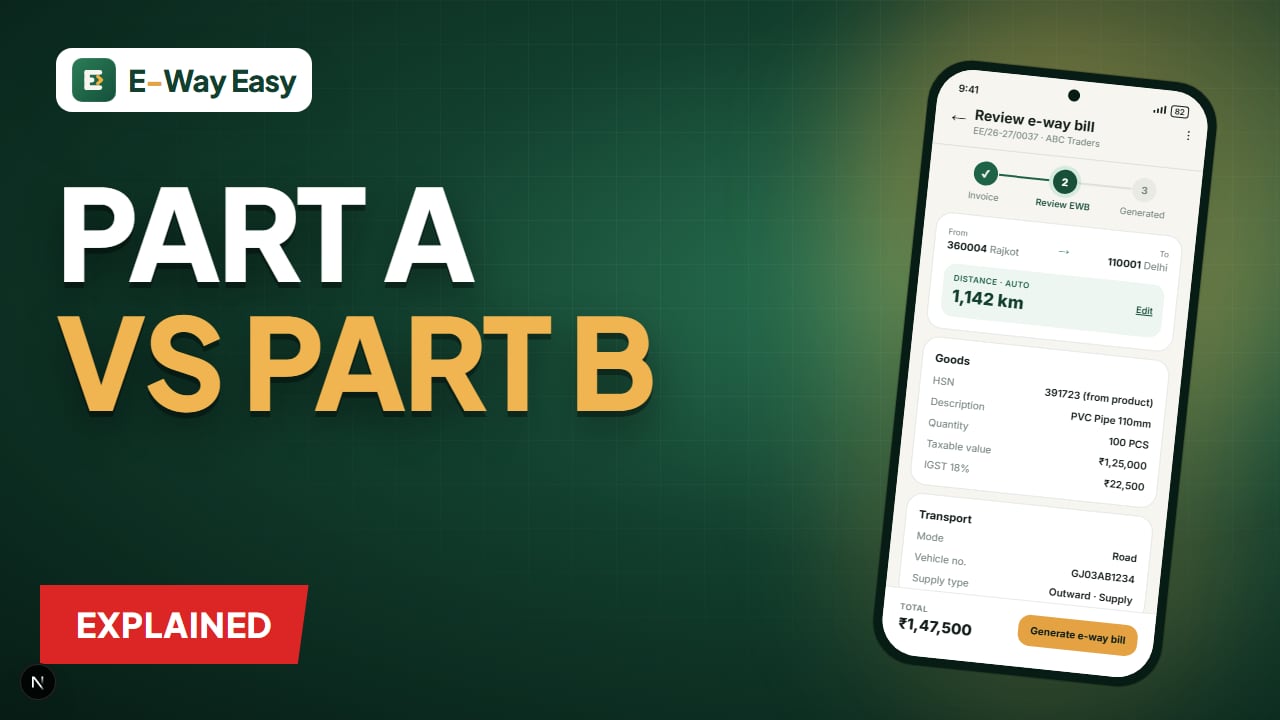
E-Way Bill Part A and Part B Explained
What goes into Part A and Part B of Form GST EWB-01, who fills each part, when Part B can be skipped, and how to correct mistakes in either part.
By Bhavesh Akabari · · 5 min read
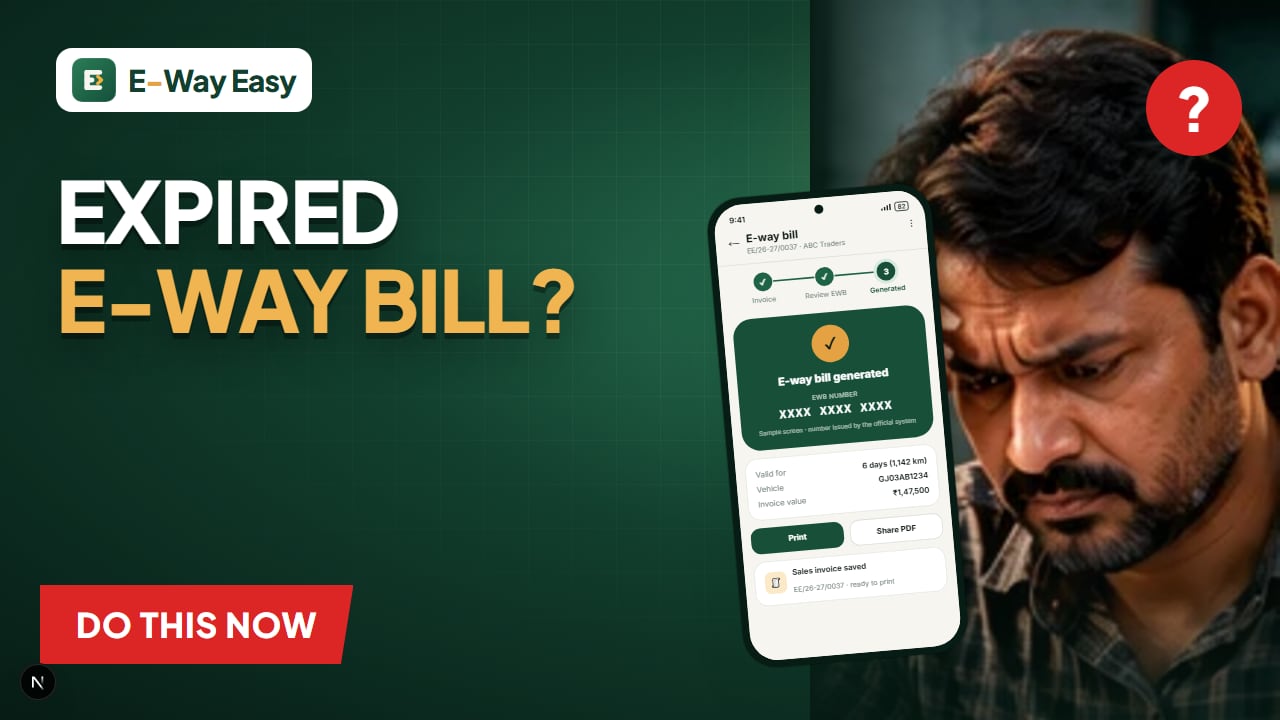
What to Do When an E-Way Bill Expires
Goods stuck on the road and the e-way bill about to lapse? Learn the 8-hour extension window, how validity is recalculated and what to avoid.
By Bhavesh Akabari · · 5 min read
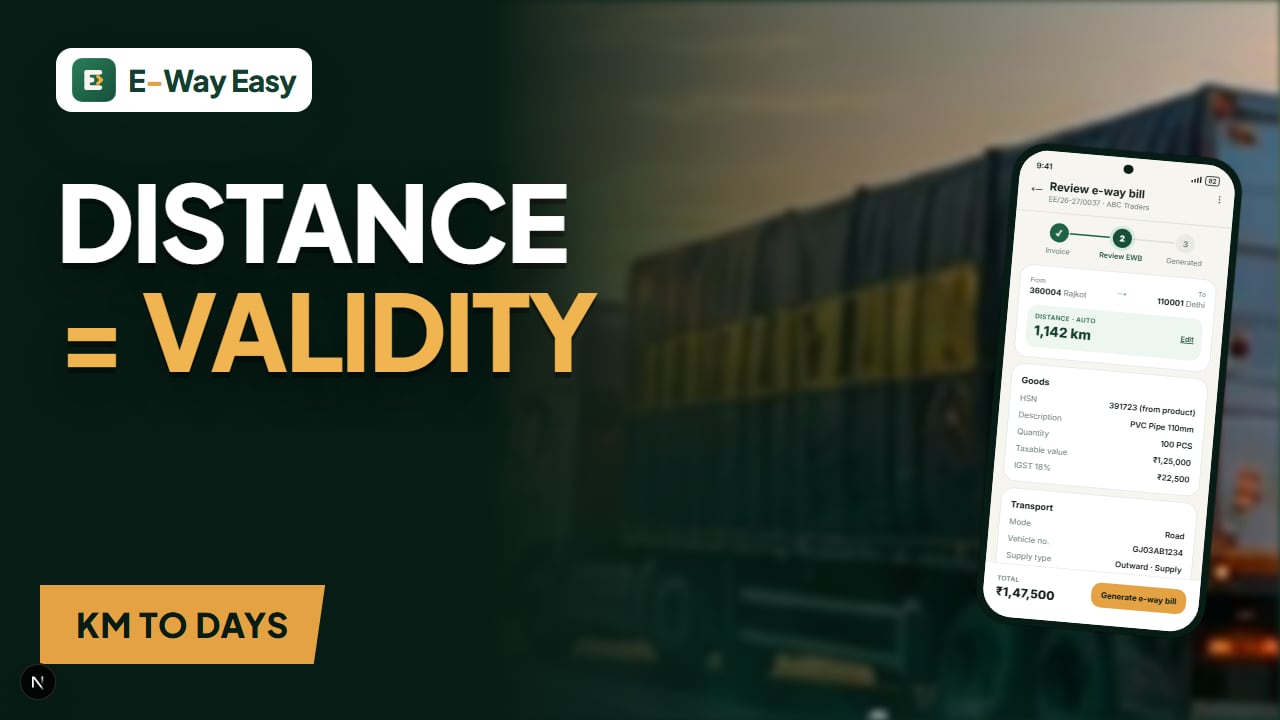
How Distance Affects E-Way Bill Validity
Distance decides how many days your e-way bill lasts. Learn how the portal calculates PIN-to-PIN distance, the 10% allowance, same-PIN rules and how to avoid short validity.
By Bhavesh Akabari · · 5 min read