E-Way Bill Part A and Part B Explained
What goes into Part A and Part B of Form GST EWB-01, who fills each part, when Part B can be skipped, and how to correct mistakes in either part.
Last verified against official sources: 12 Oct 2026
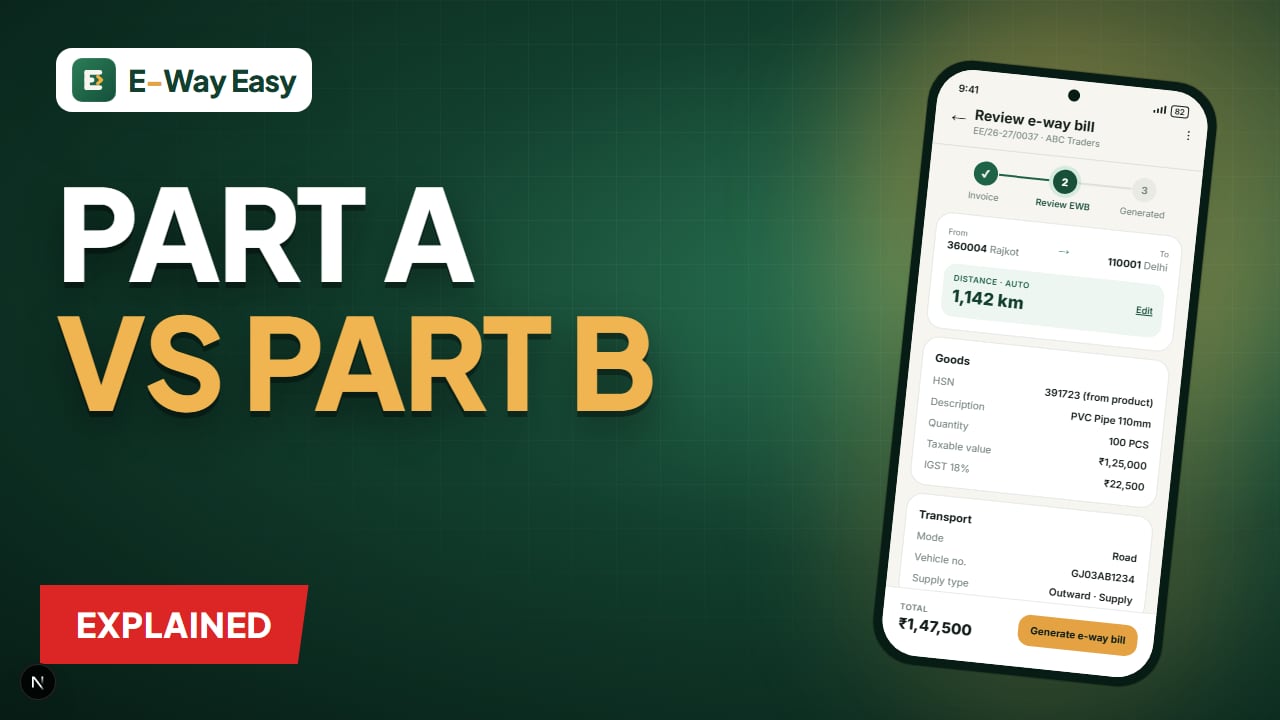
Table of contents
Quick answer: Part A of Form GST EWB-01 holds the consignment details: GSTINs, document, value, HSN and places of dispatch and delivery. Part B holds the vehicle number or transport document. Part A cannot be edited, while Part B can be updated any number of times during validity.
Form GST EWB-01, the e-way bill form, is split into two parts. The split is not arbitrary: Part A describes the consignment — what is moving, from whom, to whom, for how much — and Part B describes the conveyance — which vehicle or transport document is carrying it. Different people often know these two sets of facts at different times, which is exactly why the form separates them.
Part A: the consignment
Part A captures the details that come from your invoice, bill of supply or delivery challan.
| Field | What to enter | Tip |
|---|---|---|
| GSTIN of supplier | Your GSTIN (or the supplier's, if you are the recipient generating) | Auto-fills on login |
| GSTIN of recipient | Buyer's GSTIN, or "URP" if unregistered | Verify the GSTIN is active |
| Place of dispatch | Actual dispatch address and PIN | Use the godown/factory PIN |
| Place of delivery | PIN code of the actual delivery location | Drives distance and validity |
| Document number | Invoice / bill of supply / challan number | Must match the printed document exactly |
| Document date | Date of that document | Not more than 180 days old (from 1 Jan 2025, per advisory) |
| Value of goods | Taxable value and tax amounts | Consignment value includes GST |
| HSN code | For each item | Check digit length required for your turnover |
| Reason for transportation | Supply, job work, own use, sales return, etc. | Must fit the document type |
| Transport document number | LR / RR / airway bill / bill of lading number | Where available |
Part B: the conveyance
Part B captures how the goods are moving.
| Mode | What to enter |
|---|---|
| Road | Vehicle number |
| Rail | Railway receipt (RR) number and date |
| Air | Airway bill number and date |
| Ship | Bill of lading number and date |
Part B is what makes the e-way bill valid for movement. Validity is counted from when Part B is first entered.
Who fills which part?
The supplier usually fills Part A because they have the invoice. Part B can be filled by:
- the supplier, if they know the vehicle at the time of generation;
- the recipient, if they are arranging transport; or
- the transporter, if the supplier or recipient enters the transporter's ID (GSTIN or TRANSIN) on the e-way bill.
A common arrangement: the supplier generates Part A in the morning when invoicing; the transporter fills Part B when the vehicle is assigned and loaded.
Note: Part A details entered without Part B remain on the portal for a limited period, after which they can no longer be used. Don't generate Part A too far ahead of dispatch. Check the current time limit in the user documentation.
The Part B exemption: 50 km within a state
Part B is not required where goods move within the same state or UT for up to 50 km:
- from the consignor's place of business to the transporter's place of business for further transportation, or
- from the transporter's place of business to the consignee's place of business.
Part A is still required. When the goods move onward from the transporter's place in a vehicle, Part B must be filled for that movement.
Example (illustrative): the 50 km leg
A Rajkot pipe manufacturer's consignment worth ₹1,18,000 (₹1,00,000 + 18% GST) is going to a buyer in Kolkata.
- Factory to transporter's Rajkot hub, 22 km, same state. Part A is generated with full details. Part B not required for this leg.
- Transporter's hub to Kolkata by truck, about 2,000 km. The transporter enters the vehicle number in Part B before the truck leaves.
- Validity starts when Part B is entered: 2,000 ÷ 200 = 10 days.
If the truck is changed at Nagpur due to a breakdown, the transporter updates Part B with the new vehicle number before the goods move further. Validity does not reset.
(Distance is illustrative; the actual figure comes from the portal's PIN-to-PIN calculation.)
Updating and correcting each part
| Action | Part A | Part B |
|---|---|---|
| Edit after generation | Not allowed | Update allowed any number of times within validity |
| Fix a mistake | Cancel within 24 hours, generate new | Update with correct vehicle |
| Change transporter | — | Transporter can be changed/reassigned |
| Trans-shipment | — | Update with new vehicle details |
For the practical steps, read How to Update Vehicle Details in an E-Way Bill and How to Cancel an E-Way Bill.
Part A, Part B and e-invoicing
If you are covered by e-invoicing, Part A can be auto-populated from the e-invoice when the e-way bill is generated using the IRN. You still need to add Part B (transport details) unless they were included at the e-invoice stage.
Consolidated e-way bill
Where a transporter carries multiple consignments, each with its own e-way bill, in one vehicle, they can generate a consolidated e-way bill (Form GST EWB-02). It references the individual e-way bills, and the vehicle details apply to all of them.
Common mistakes
In Part A
- Invoice number typed differently from the printed invoice.
- Billing address PIN used instead of delivery PIN.
- Wrong reason for transportation (e.g. "supply" for a job work challan).
- Value entered without GST, or exempt items mixed in.
In Part B
- Vehicle number with a typo — at a checkpoint it looks like the wrong truck.
- Goods moved into a new vehicle without updating Part B first.
- Transporter not assigned, so they cannot update Part B.
- Assuming the 50 km exemption applies to inter-state movement — it doesn't.
Getting Part A right at the source
Since Part A can't be edited, the place to prevent errors is invoicing. In the E-Way Easy app, the sales invoice and e-way bill details are reviewed together before saving: your seller details are stored, the buyer's address, state and PIN fill from their GSTIN, HSN comes from your saved products, and distance is calculated from PIN codes. It's an independent app, not a government portal — the review step is there so you can catch mistakes before they become a cancel-and-regenerate job.
Official sources
The structure of Form GST EWB-01 and the Part B exemption are in Rule 138 of the CGST Rules, available on CBIC GST. Field-level guidance and current validations are in the E-Way Bill user documentation, and generation and updates are done on the E-Way Bill System.
Frequently asked questions
Is an e-way bill with only Part A valid?
It is not valid for movement, except where goods move within the same state up to 50 km between consignor and transporter (or transporter and consignee). Elsewhere Part B must be filled before goods move.
How many times can Part B be updated?
Part B can be updated any number of times during the validity of the e-way bill, for example on change of vehicle or trans-shipment.
Can I edit the invoice value in Part A?
No. Part A cannot be edited. Cancel the e-way bill within 24 hours and generate a new one with correct details.
Sources and references
- E-Way Bill System (official portal)ewaybillgst.gov.in
- E-Way Bill user documentationdocs.ewaybillgst.gov.in
- CBIC GST (CGST Rules, Rule 138)cbic-gst.gov.in
This article is general information, not tax or legal advice. GST and e-way bill requirements depend on the transaction, applicable notifications and state-specific provisions. Check the official portals before you rely on it.
Written by
Bhavesh AkabariBhavesh Akabari writes the E-Way Easy guides on e-way bills, GST invoicing and day-to-day compliance workflows for Indian manufacturers, wholesalers and traders. Every compliance article is checked against official GST and e-way bill sources and carries a "last verified" date.
Related articles
How to Update Vehicle Details in an E-Way Bill
Truck broke down or goods shifted to another vehicle? Here is how Part B of an e-way bill is updated, who can do it and what to check first.
By Bhavesh Akabari · · 6 min read
Who Is Responsible for Generating an E-Way Bill?
Supplier, recipient or transporter? How responsibility for the e-way bill is split, what each party must do, and how to avoid goods leaving without one.
By Bhavesh Akabari · · 5 min read
How Distance Affects E-Way Bill Validity
Distance decides how many days your e-way bill lasts. Learn how the portal calculates PIN-to-PIN distance, the 10% allowance, same-PIN rules and how to avoid short validity.
By Bhavesh Akabari · · 5 min read