
With GST
GST tax invoice
For GST-registered sellers charging tax. Shows your GSTIN and the buyer’s, HSN codes, place of supply, taxable value and CGST + SGST (same state) or IGST (different states).
GST invoice format explained →Create a professional invoice in a minute. Taxes, totals and the amount in words work themselves out, and you download a PDF. No sign-up, no watermark, nothing uploaded.
Everything stays in your browser; nothing is uploaded. Drafts, your logo, item list and number series are saved only in this browser's storage.
Quick answer: To make an invoice online for free, choose With GST (tax invoice) or Without GST (simple bill), enter your details, the buyer and the items, and download the PDF. This generator works out CGST and SGST or IGST from the two states, totals and the amount in words. To have the buyer’s details filled from their GSTIN and turn the invoice into an e-way bill, use the E-Way Easy Android app.
How it works
Works on your phone or computer. Everything happens in your browser.
With GST gives a tax invoice with GSTIN, HSN, place of supply and tax columns. Without GST gives a simple bill with no tax columns.
Add your business name and GSTIN, the buyer, then each item with quantity, rate and GST rate. Totals, tax and amount in words update as you type.
Choose A4, A5, Letter or Legal, or a 58/80 mm thermal receipt. Download the PDF, print it, or send it straight to WhatsApp.
With GST or without GST
It depends on your GST registration, not on the buyer. Not sure? Read invoice with GST vs without GST.
With GST
For GST-registered sellers charging tax. Shows your GSTIN and the buyer’s, HSN codes, place of supply, taxable value and CGST + SGST (same state) or IGST (different states).
GST invoice format explained →
Without GST
For sellers who are not registered under GST and cannot charge it. A clean bill with your details, the customer, items and total. Composition and exempt supplies use a bill of supply.
Simple bill format →Photos: Ravi Sharma and Wietse Jongsma on Unsplash. Illustrative.
Calculated for you
Same state: CGST + SGST. Different states: IGST. Decided from your state and the place of supply.
Quantity × rate, less discount, then tax at each item’s rate. Checking a figure? Use the GST calculator.
The invoice total is written in words in Indian format (lakh, crore).
Set a prefix once and each new invoice takes the next number. Planning a series? Try the invoice number generator.
Save an item with its HSN and rate, then add it to the next invoice in one tap.
Your work is kept in this browser, so a refresh does not lose the invoice.
E-Way Easy app · Android
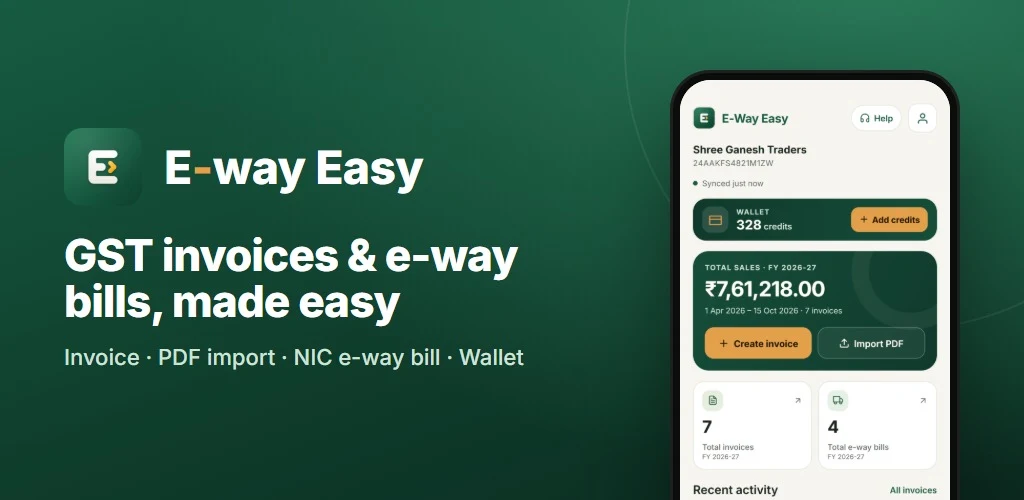
In the app, you enter the buyer’s GSTIN and their name, address, state and PIN code are filled in. Saved products bring their HSN code and rate. When the goods move, the same invoice becomes the e-way bill and the road distance is worked out from the PIN codes.
Buyer (Bill to)
Buyer GSTIN
27ABCDE1234F1Z0
Filled automatically from the GSTIN
Web or app
Use the web generator for a quick invoice. Use the app when you bill regularly or move goods.
| Online generator (this page) | E-Way Easy app | |
|---|---|---|
| Price | Free | Free to make invoices; e-way bills use credits |
| Sign-up | Not needed | Business GSTIN, one time |
| With and without GST | Yes | GST invoices |
| Buyer details from GSTIN | Typed by you | Filled automatically |
| Saved products and HSN | In this browser | In the app |
| Invoice number series | Yes | Yes, your own series |
| Road distance | Not needed | Filled from PIN codes, editable |
| E-way bill from the invoice | No | Yes, 5 credits per action |
| Works on | Any browser | Android phone |
Invoice formats and rules
FAQ
Yes. Making, downloading and printing invoices on this page is completely free, with no sign-up, no watermark and no limit on the number of invoices.
Yes. Choose Without GST to get a simple bill with no tax columns. It suits sellers who are not registered under GST. Composition dealers and sellers of exempt goods issue a bill of supply, which also carries no GST.
Yes. In With GST mode, enter your state and the place of supply. If both are in the same state the tax is split into CGST and SGST; if they differ, IGST is charged. Totals and the amount in words update automatically.
Yes. Use Thermal print and choose 58 mm or 80 mm to match your roll. A receipt-style invoice with GSTIN, items, GST and total opens in the print dialog; pick your thermal printer there. It works with any thermal printer that has a print driver on your computer or phone.
Yes. Tap Share on WhatsApp. On a phone, the invoice PDF opens in the share sheet so you can send it to any chat. On a computer, the PDF downloads and WhatsApp opens with a ready message (to the buyer, if you entered their phone number), so you only attach the file.
No. The invoice is filled in and turned into a PDF inside your browser. Drafts, your invoice number series and saved products are kept only in this browser on your device.
Not on this web page, which works without sign-up and without any GST connection. In the E-Way Easy Android app, typing the buyer’s GSTIN fills their name, address, state and PIN code automatically.
This generator downloads a PDF. If you prefer to keep invoices in a spreadsheet, download the free GST or non-GST invoice format in Excel, which has the tax formulas built in.
Yes, in the E-Way Easy app. The invoice you create becomes the e-way bill: review the details, the road distance is filled from the PIN codes, and tap Generate. Each e-way bill action costs 5 credits (1 credit = ₹1); making invoices does not use credits.
The GST layout includes the fields Rule 46 of the CGST Rules asks for, such as GSTIN, HSN, place of supply and tax amounts. Whether an invoice is correct depends on the details you enter, so check them, and check whether e-invoicing applies to your business.