How Manufacturers Can Simplify Invoice Workflows
A practical way for small and mid-sized manufacturers to cut invoice errors and delays by fixing masters, numbering, review steps and the hand-off to dispatch.
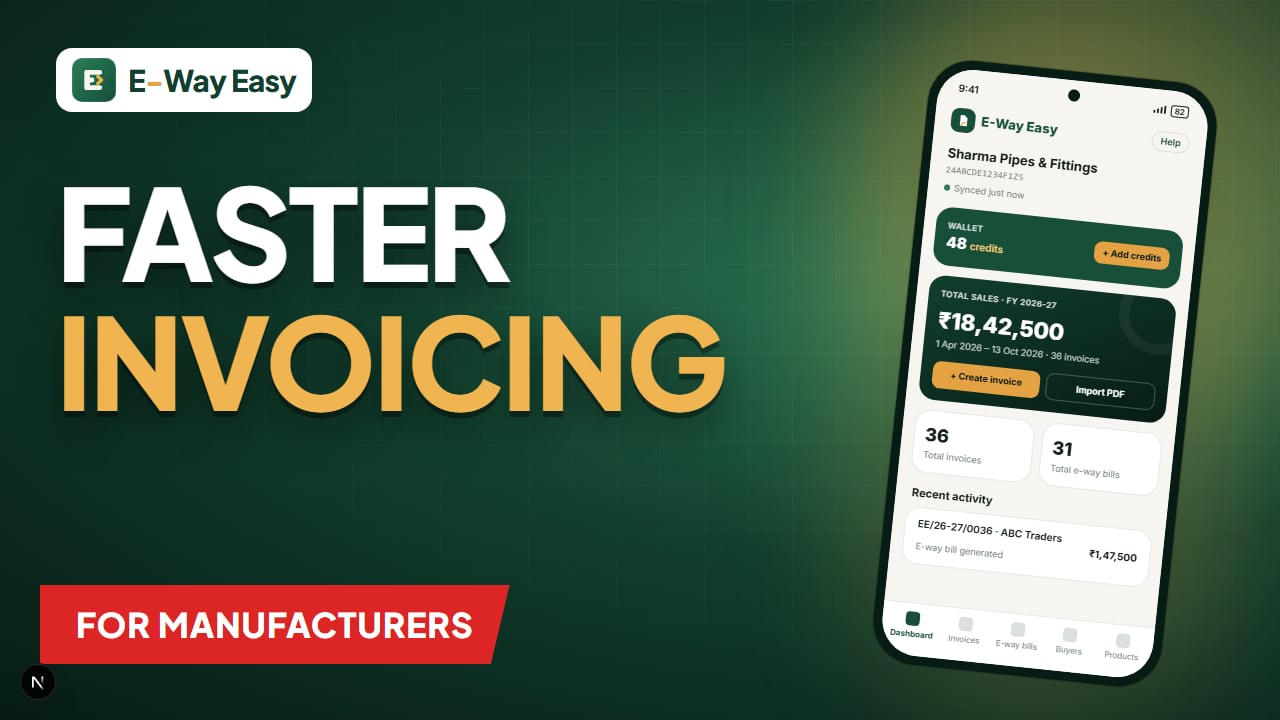
Table of contents
- Where invoice workflows usually break
- Step 1: Build clean masters once
- Buyer master
- Product master
- Step 2: Fix the numbering
- Step 3: Separate preparation from review
- Step 4: Connect the invoice to the e-way bill
- Example (illustrative)
- Step 5: Store and reconcile in one place
- Common mistakes
- Limitations
- Tools that can help
- Official sources
Quick answer: Keep clean buyer and product masters, one controlled invoice numbering series, a second person's check before goods leave, and a smooth hand-off to dispatch for the e-way bill. Most invoice problems are workflow gaps, and these fixes do not need an expensive ERP.
Most invoice problems in a factory are not tax problems. They are workflow problems: the buyer's address is typed fresh every time, the HSN code is copied from last month's invoice, the invoice number is picked from memory, and the dispatch supervisor learns about the order only when the truck is already at the gate. Each of these small gaps creates rework, and in a manufacturing unit with dozens of dispatches a week the rework adds up quickly.
This guide walks through a simple, low-cost way to tighten the invoice workflow for a small or mid-sized manufacturer. It does not assume an expensive ERP. Most of the steps can be done with a spreadsheet, an accounting package, or a mobile app.
Where invoice workflows usually break
Before changing anything, it helps to see where time and accuracy are lost. In most small factories, the trouble points are the same:
| Stage | Typical problem | Effect |
|---|---|---|
| Order received | Order details sit in WhatsApp or a diary | Wrong quantity or rate on the invoice |
| Buyer details | GSTIN, address and PIN typed manually | Mismatches with the buyer's records, wrong state code |
| Product details | HSN and GST rate picked from memory | Wrong tax rate, wrong HSN on e-way bill |
| Numbering | Numbers assigned manually by different people | Duplicate or skipped numbers |
| Review | No second check before dispatch | Errors found only after the goods have left |
| E-way bill | Generated in a hurry at the gate | Part A errors, vehicle number typos |
| Filing | Invoices scattered across files | Slow GSTR-1 preparation and reconciliation |
If two or three of these sound familiar, the fixes below will save more time than any new software.
Step 1: Build clean masters once
A "master" is simply a saved record you reuse. Manufacturers need at least two.
Buyer master
For every regular buyer, store:
- Legal name and trade name
- GSTIN (verify it once on the GST portal's search facility before saving)
- Billing address and shipping address, with PIN codes
- State and state code
- Usual payment terms and transport arrangement
Once a buyer is saved, nobody should type their GSTIN again. Selecting from a list removes the most common source of e-way bill rejections. For a quick refresher on what to check, see GSTIN verification: what to check.
Product master
For every item you sell, store:
- Product name as it should appear on the invoice
- HSN code at the digit level your turnover requires
- GST rate
- Unit of measurement (UQC)
- Standard rate, if you have one
When the HSN and rate travel with the product, the invoice and the e-way bill stay consistent. Our HSN codes practical guide explains how to choose and check codes.
Note: Masters only help if someone owns them. Assign one person to approve new buyers and new products, and review the lists every quarter.
Step 2: Fix the numbering
GST rules require invoice numbers to be unique for a financial year and consecutive within a series. In practice, manufacturers create trouble when two people raise invoices from the same series by hand.
A simple approach:
- Decide your series at the start of the financial year, for example
RJ/26-27/0001for the main plant. - If you have a second location under the same GSTIN, give it its own prefix rather than sharing numbers.
- Let the software or app assign the next number automatically. Avoid "reserving" numbers on paper.
- If an invoice is cancelled, keep the number in your records as cancelled instead of reusing it.
Step 3: Separate preparation from review
The single most useful change is a two-person rule: one person prepares the invoice, another checks it before dispatch. The checker does not need to redo the work. A short list is enough:
- Buyer GSTIN and place of supply match the order
- Quantities match the packing list and weighbridge slip
- HSN and GST rate are right for each line
- CGST + SGST for intra-state, IGST for inter-state (see CGST, SGST and IGST explained)
- Total value and rounding are correct
- Transport mode and vehicle number are known
For a fuller pre-dispatch list, see how to avoid errors in invoice and transport details.
Step 4: Connect the invoice to the e-way bill
For most goods consignments above ₹50,000 (consignment value as defined in Rule 138, i.e. taxable value plus tax), an e-way bill must be generated before the goods move. Part A of the e-way bill uses the same data as your invoice: GSTINs, PIN of place of delivery, document number and date, value, HSN code, and reason for transport. Part B carries the vehicle details.
When the invoice and e-way bill are prepared separately, the data is typed twice and the chance of mismatch doubles. A better workflow is:
- Prepare the invoice from the masters.
- Review the invoice.
- Use the reviewed invoice data to fill Part A.
- Add Part B once the vehicle is confirmed.
- Print or share both documents with the driver.
If your firm is covered by e-invoicing, the e-way bill can be generated using the IRN, with Part A filled from the e-invoice data. That removes one more round of typing.
Example (illustrative)
A Rajkot pipe manufacturer, GSTIN 24ABCDE1234F1Z5, dispatches about 40 consignments a month to dealers in Gujarat and Maharashtra. Before tightening its workflow:
- The accountant typed buyer details from old invoices.
- HSN codes were copied from a sticky note on the monitor.
- E-way bills were made at the gate by the dispatch supervisor, often using a different spelling of the buyer's name.
After one weekend of setup, the firm:
- Created a buyer master of 35 dealers, each GSTIN checked once.
- Created a product master of 18 pipe sizes with HSN, rate and UQC.
- Switched to an auto-numbered series
RPM/26-27/####. - Added a 2-minute check by the owner's son before each dispatch.
- Started filling the e-way bill directly from the checked invoice.
The result was not dramatic, but it was measurable: fewer e-way bill cancellations, no duplicate invoice numbers in GSTR-1, and dispatches no longer held up at the gate while someone looked up a PIN code.
Step 5: Store and reconcile in one place
At the end of the month, you will need invoice data for GSTR-1 and for reconciling with what buyers report. Keep:
- One register (or export) of all invoices with number, date, buyer GSTIN, taxable value and tax
- The matching e-way bill number against each invoice
- A note of cancelled invoices and cancelled e-way bills
A simple monthly check is to count invoices above the e-way bill threshold that moved goods, and confirm each one has an e-way bill number against it.
Common mistakes
- Treating masters as optional. If staff can still type a buyer's GSTIN freehand, they will.
- Sharing one series across locations without control. This is the main cause of duplicate numbers.
- Skipping review on "urgent" dispatches. Urgent dispatches are exactly where errors happen.
- Editing the invoice after the e-way bill is made. An e-way bill cannot be edited; if Part A is wrong, it must be cancelled within 24 hours and generated again. See how to cancel an e-way bill.
- Generating the e-way bill without the vehicle number. Without Part B, the e-way bill is generally not valid for movement (except the short-distance case within a state).
Limitations
A cleaner workflow reduces errors but does not replace professional advice on classification, valuation or place of supply. If you are unsure about an HSN code, a GST rate, or whether a particular movement needs an e-way bill, check with your tax adviser and the official sources.
Tools that can help
You can draft invoices with our free GST tax invoice template, check tax with the GST calculator, and look up codes with the HSN code lookup. If your team works mainly from phones, the E-Way Easy Android app keeps saved buyers and products, numbers invoices in your own series, and walks through an Invoice → Review EWB → Generated flow. You can download it here.
Official sources
Rules on invoices and e-way bills change from time to time. Always confirm the current position on the GST portal, the E-Way Bill System, and CBIC GST.
Frequently asked questions
Should the accounts team or the dispatch team raise the invoice?
Either can work. What matters is that one person owns the invoice, a second person checks it before the goods leave, and both work from the same buyer and product masters.
Can I use a separate invoice series for each plant or godown?
Yes, a supplier can use multiple series as long as each invoice number is unique within the financial year for that GSTIN. Keep the series simple and documented.
Sources and references
- GST portalwww.gst.gov.in
- E-Way Bill System (official portal)ewaybillgst.gov.in
- CBIC GSTcbic-gst.gov.in
This article is general information, not tax or legal advice. GST and e-way bill requirements depend on the transaction, applicable notifications and state-specific provisions. Check the official portals before you rely on it.
Written by
Bhavesh AkabariBhavesh Akabari writes the E-Way Easy guides on e-way bills, GST invoicing and day-to-day compliance workflows for Indian manufacturers, wholesalers and traders. Every compliance article is checked against official GST and e-way bill sources and carries a "last verified" date.
Related articles
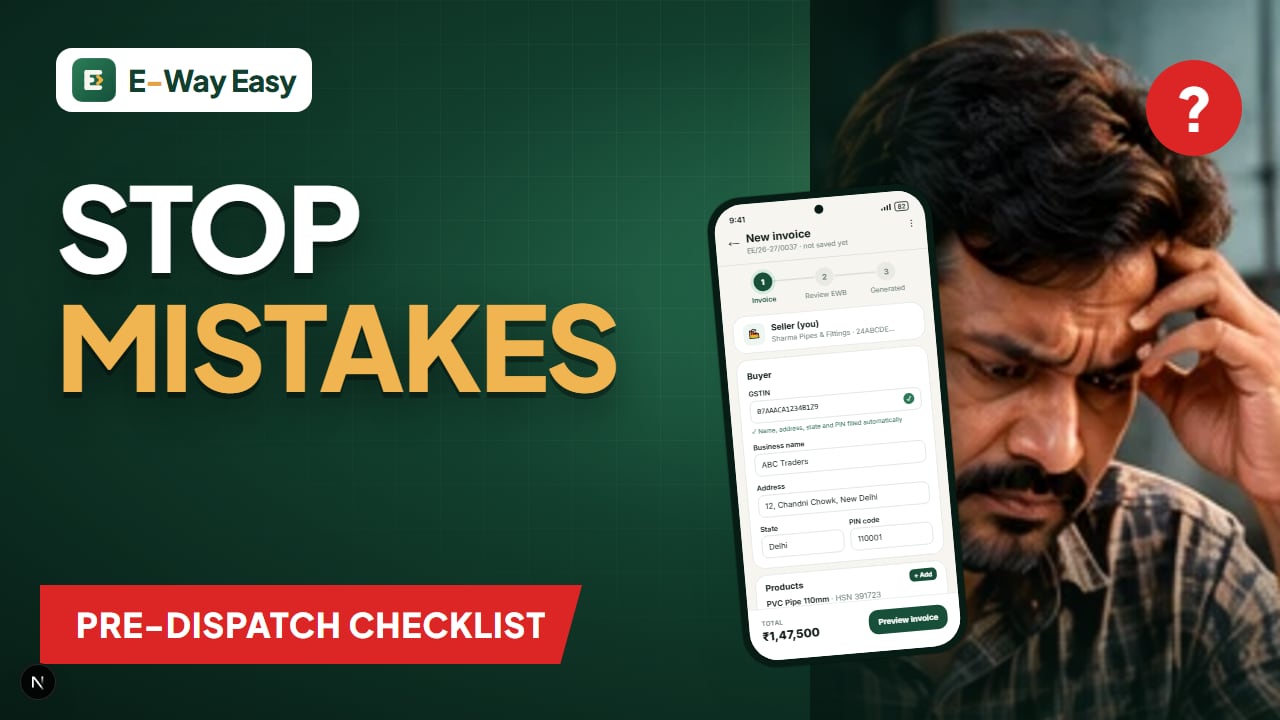
How to Avoid Errors in Invoice and Transport Details
The invoice and transport errors that most often cause e-way bill cancellations and roadside trouble, and a pre-dispatch checklist to catch them.
By Bhavesh Akabari · · 6 min read
How to Prepare Invoice Data for Bulk Processing
Set up a clean invoice spreadsheet, run simple validation checks and remove duplicates before you upload data for bulk e-way bills or returns.
By Bhavesh Akabari · · 6 min read
Digital Tools for Indian Manufacturers
A practical map of the digital tool categories small and mid-sized Indian manufacturers use — accounting, invoicing, compliance, inventory, production and communication.
By Bhavesh Akabari · · 5 min read